
Why Customers Leave Your Website Quickly
Getting visitors to your website is only half the battle.
You may be investing in Google Ads, social media advertising, SEO and content marketing to bring people to your website. But if visitors leave within seconds without reading your content, contacting you or making a purchase, your traffic is not generating the results you need.
So, why do customers leave your website quickly?
The answer is usually not just one problem. Slow loading times, poor mobile experiences, confusing navigation, weak trust signals and complicated designs can all contribute to visitors abandoning your website.
Before spending more money on generating traffic, it is worth checking whether your website is actually giving visitors a reason to stay.
Here are seven common problems that could be driving potential customers away.
Let's Improve Your Website →Table of Contents
Your Website Takes Too Long to Load
One of the fastest ways to lose a potential customer is to make them wait.
People expect websites to load quickly, especially when browsing from mobile devices. If your homepage takes too long to display important content, visitors may simply close the tab and look for another business.
You can use PageSpeed Insights to identify potential performance problems affecting your website. It can provide useful information about areas such as loading performance and opportunities for optimization.
However, don't assume that achieving a perfect score is the only goal. A website needs to be fast for real users, not simply optimized to achieve a number.
Large images, excessive animations, unnecessary plugins, poorly optimized code and inefficient hosting can all contribute to slower loading times.
You can also perform website load testing to understand how your website performs under different conditions.
Slow Loading Time
Long loading times can cause visitors to leave before your content even appears.
Heavy Images
Large, uncompressed images can significantly increase page loading time.
Unoptimized Resources
Excessive plugins, animations, scripts and poorly optimized code can slow your site down.
Your Website Is Difficult to Use on Mobile
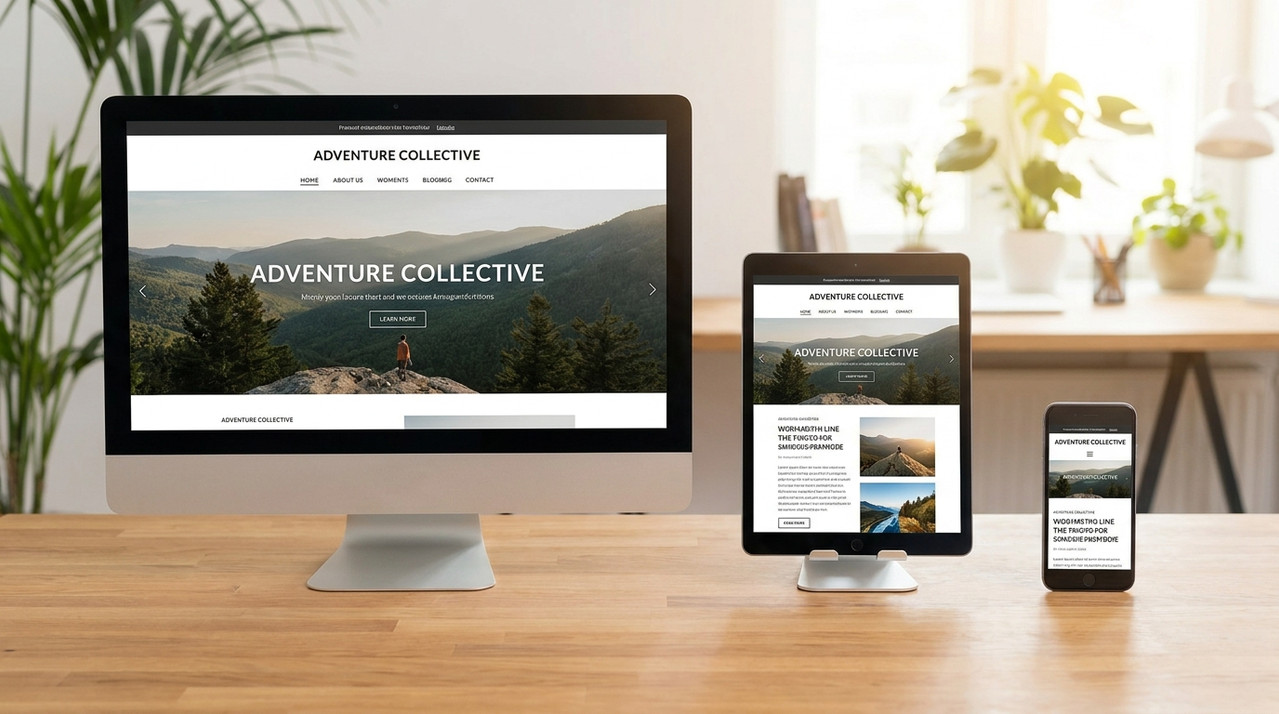
A website might look excellent on a desktop but completely different on a smartphone.
This is where responsive website design becomes essential.
Visitors should be able to navigate your website, read your content, click buttons and complete forms comfortably regardless of the device they use.
If text is too small, buttons are difficult to tap or important sections are pushed too far down the page, users may leave before discovering what your business offers.
Good responsive design isn't simply about making a desktop website shrink onto a smaller screen. The entire experience should be designed around how people interact with different devices.
Your UI/UX Makes Visitors Think Too Much
A visually attractive website isn't necessarily a good website.
This is where UI UX designing becomes important.
UI focuses on how your website looks, while UX focuses on how easily users can interact with it and accomplish their goals.
For example, imagine a visitor wants to contact your business. If they have to search through several pages before finding your contact information, your website is creating unnecessary friction.
Your navigation, buttons, forms, page structure and calls-to-action should make the next step obvious.
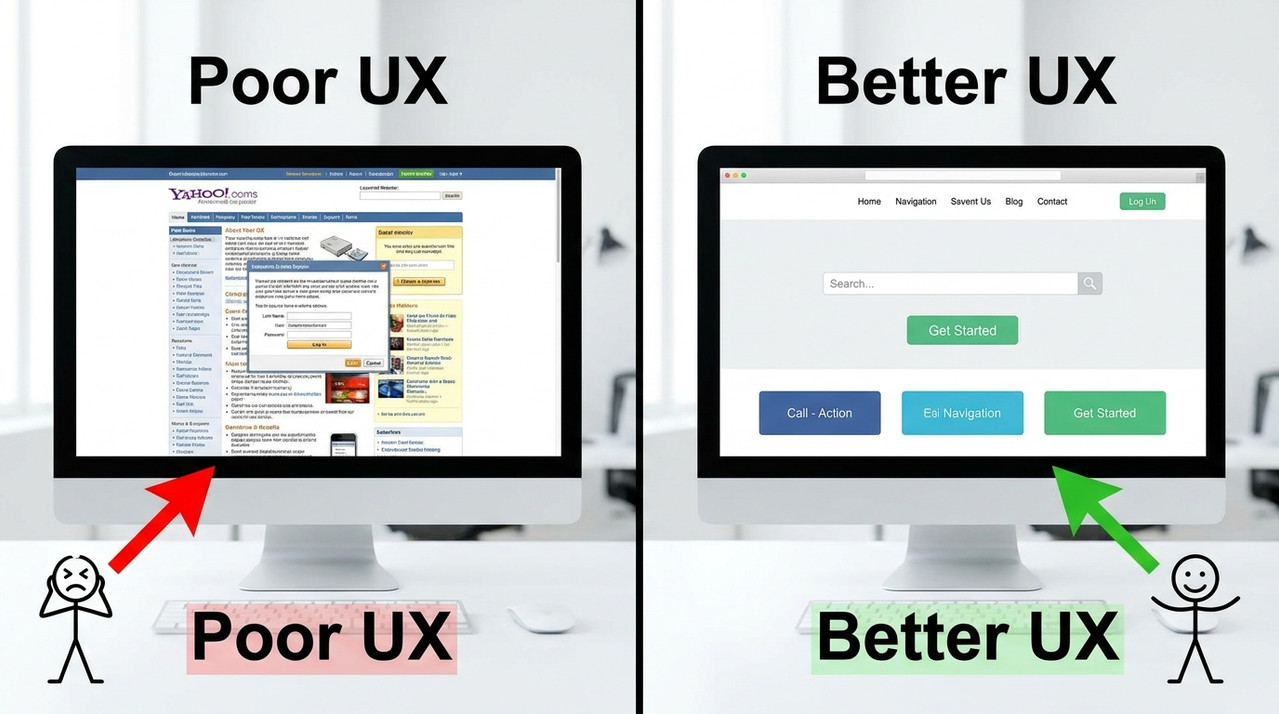
Your website should answer these questions quickly.
What does this business offer?
Make your products or services immediately clear to visitors.
Is this service suitable for me?
Help visitors quickly understand who your offer is designed for.
Why should I trust this company?
Use proof, clarity and credibility to reduce uncertainty.
What should I do next?
Give visitors a clear and obvious next step with your CTA.
If visitors cannot answer these questions easily, they may leave.

Visitors Cannot Find What They Need
Imagine entering a physical store where the products are randomly placed and there are no signs.
You would probably leave.
The same principle applies online.
Complicated menus, unclear categories, excessive dropdowns and poorly structured content can make your website frustrating to navigate.
Your website should have a clear information hierarchy. Important pages such as your services, products, pricing, portfolio, about page and contact page should be easy to discover.
A website site checker can help identify certain technical or SEO-related issues, but tools alone cannot determine whether your website navigation actually makes sense to your target audience.
Sometimes, the best test is simply asking someone unfamiliar with your website to find a specific piece of information.
If they struggle, your navigation probably needs improvement.
Make every next step obvious.
Landing Page
Understand what the business offers.
Find Information
Locate the information they need.
Understand Offer
Know why the product or service matters.
Take Action
Contact, enquire, purchase or get started.
Your Website Doesn't Build Enough Trust
Visitors may like your product or service but still decide not to contact you.
Your website needs to communicate credibility through elements such as:
Trust becomes particularly important when visitors are considering an expensive service or providing personal information.
A professional website doesn't automatically guarantee trust, but a poorly designed or outdated website can certainly create doubts.
Testimonials
Show potential customers what others say about your business.
Customer Reviews
Genuine reviews can reduce uncertainty before someone makes a decision.
Case Studies
Demonstrate real results and show how you have helped others.
Portfolio Examples
Let visitors see the quality and experience behind your work.
Business Information
Clear business details make your company easier to understand and verify.
Clear Contact Details
Make it easy for visitors to know how and where to reach you.
Professional Design
A polished website can create a stronger first impression.
Secure Payment
Appropriate security signals can reassure customers during checkout.
Credentials
Relevant certifications or credentials can strengthen your credibility.
“Why should I choose this company instead of another one?”
Your website should answer that question.
You Don't Regularly Check Your Website Performance
Launching your website isn't the end of the process.
Websites change over time. New plugins are installed, images are uploaded, scripts are added and new pages are created. These changes can gradually affect performance.
That's why regular monitoring is important.
You can use PageSpeed Insights to monitor performance issues and identify opportunities for improvement. You can also use a website site checker to review technical aspects of your website.
For businesses that rely heavily on organic traffic, conducting an SEO performance check can help identify issues affecting visibility and user experience.
You should also regularly test your site speed, especially after making major changes to your website.
Performance monitoring should be continuous.
Don't wait until visitors start complaining or traffic drops. Regular checks help you identify problems before they become bigger issues.
Check. Improve. Repeat.
Check
Review your website's current performance.
Test
Test speed, usability and technical performance.
Identify
Find the issues affecting visitors and conversions.
Optimize
Fix the problems and improve the user experience.
Monitor
Keep checking performance as your website evolves.
Turn Your Website Into a Better Customer Experience
Getting website traffic is valuable, but traffic alone doesn't create business results.
If your website loads slowly, works poorly on mobile, has confusing navigation or fails to build trust, potential customers can disappear before they ever reach your contact form or checkout page.
Start With Your Website's Weakest Points
Start by using PageSpeed Insights and a reliable website site checker to identify technical problems. Then look beyond technical scores and evaluate your website from the customer's perspective.
Your goal shouldn't simply be to build a website that looks good.
You should build a website that loads quickly, communicates clearly, feels trustworthy and makes it easy for visitors to take action.
At Optiverse Works, we help businesses improve their digital presence through strategic website design, performance optimization and digital marketing solutions.
